
Best Task Timer App for Teams
WebWork is a task timer app that records how long each task takes. Assign the task, and WebWork records how much time is spent on it. When the work is finished you can compare what you estimated with what it actually took. Plans start at $3.99 per user per month.
What Is a Task Timer?
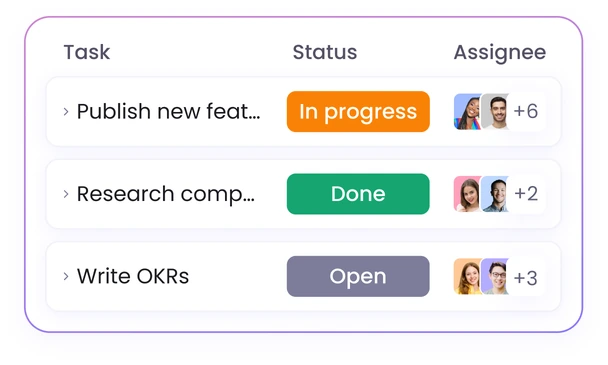
A task timer records time on individual tasks instead of a whole day or a whole project. Every entry carries the task name, the person who worked on it, and a description of what they were doing.
These details are what separate a task timer app from a personal focus timer. A focus timer gives you a number when the session ends. But time tracking with a task timer keeps that number tied to the task, which is what you need when you set the next estimate, review where a project's hours went, or bill a client for the work.
An Automatic Task Timer That Starts on Its Own
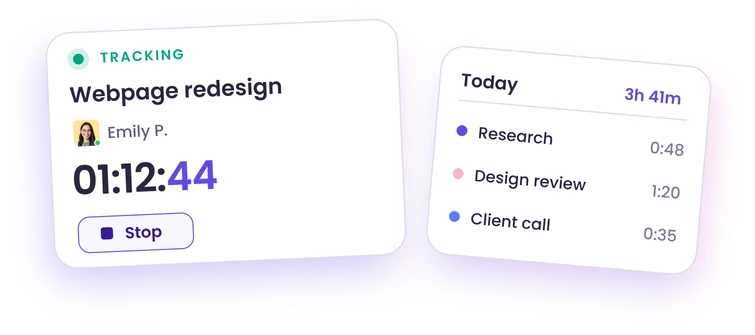
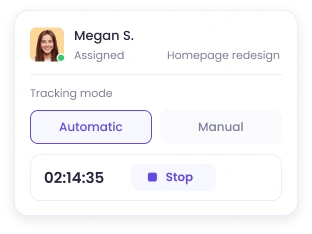
Tasks get mistimed when tracking depends on someone pressing a button at the right moment. WebWork runs three tracking modes so the timing matches how the team already works.
Automatic tracking
The tracker runs continuously and employees do not start or stop it. Time is recorded on the selected task, which suits remote teams and client work where every hour needs to be accounted for.
Manual tracking
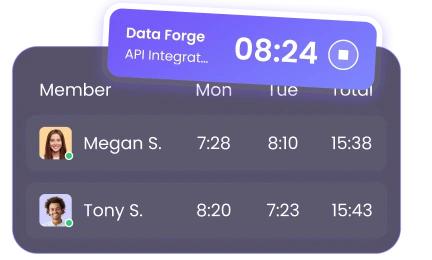
Employees start and stop their own entries and manage them afterward. The manual aspect of time tracking is great for teams that would rather control their own records. If someone tracked against the wrong task, they can correct the entry or make a request.
Silent tracking
On company-owned devices silent trackers run in the background with no employee interaction at all.
On WebWork, all three types of time trackers keep running without an internet connection. Offline time tracking stores entries, app and website usage, and activity levels locally, then syncs them once the device reconnects.
What a Task Timer Tool Shows in Reports
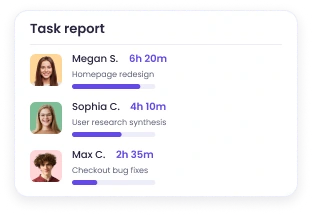
Task reports break tracked time down by task and by person, which is the level most teams are missing when most reports give only a daily total.
Hours per task, per person
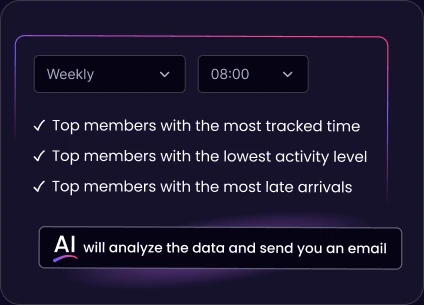
See how long each task took and who spent the time. Reports filter by member, team, project, or date range, render as line, bar, pie, or calendar charts, and export as CSV or XLSX. You can also schedule reports to be emailed on a recurring basis.
What people were doing while the timer ran
Employees enter activity descriptions as they work, and those descriptions stay attached to the task entry. Or they can use WebWork AI to fill in the descriptions automatically.
Active time separated from idle time
Minutes with no mouse, keyboard, or scroll input are flagged as inactive. But with the right setting enabled, employees can confirm they were working through those periods and add the time back with a description. Idle time tracking keeps the two figures distinct, so a task's recorded hours reflect the work rather than the keystrokes.
An Employee Task Timer That Checks Estimates Against Actuals
Set a budget estimate and hourly rates per project, then track the real spend as the work happens. Project budgeting, available on the Plus plan, allows you to see a project’s estimated against actual spend. You also get to see a summary showing which projects are over or under, with a task breakdown.

A Simple Task Timer with Task Management Built In
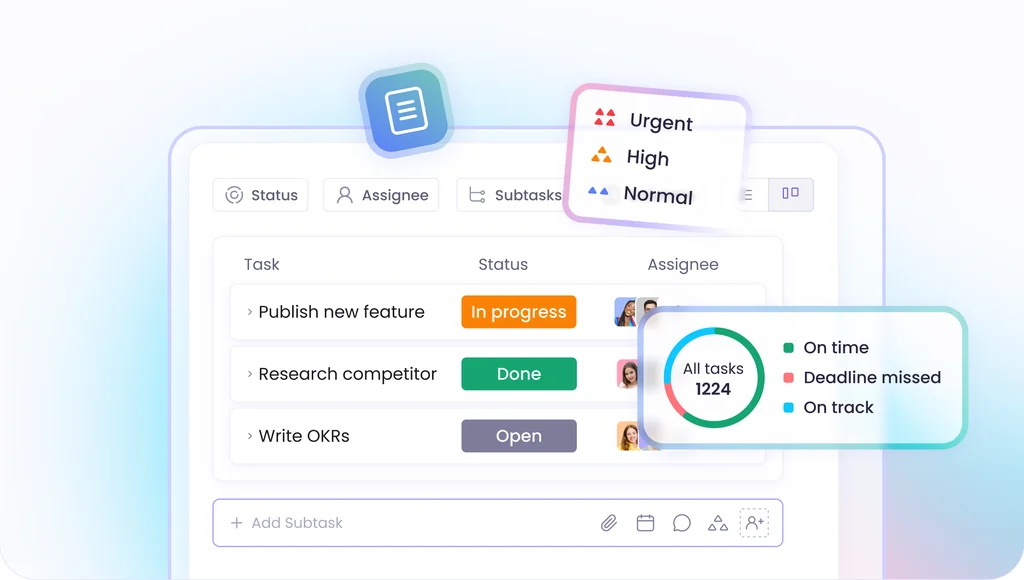
A task timer app is only useful if the tasks are already there. WebWork includes task management so you can create projects and tasks with subtasks, descriptions, attached files, due dates, priorities, and custom statuses, in either List or Kanban view. Time tracks against each task automatically as work happens. For ongoing tasks, you can set up recurring tasks and they will be created at your set interval.
Teams that plan at the project level as well can go to Project and Task Management.
From Task Timer to Timesheets and Invoices
Task timer software that stops at the timer makes you re-enter the same hours into a timesheet manually.
But on WebWork, tracked task hours accumulate into timesheets across the pay period automatically. Each timesheet shows the active tasks and projects, the activity descriptions, and the worked amounts, so whoever approves it can see what the hours went into.
You can set billable rates per member, project, or contract, and billable hours reports will calculate the amount owed. If you enable automatic invoice creation, each time a timesheet is approved, its invoice will be created as well.

What WebWork AI Adds to Task Timing
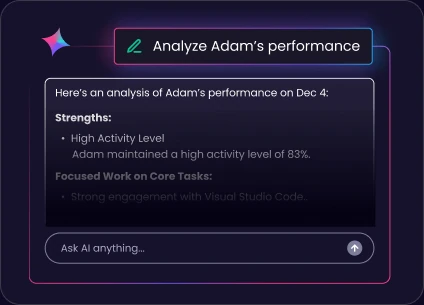
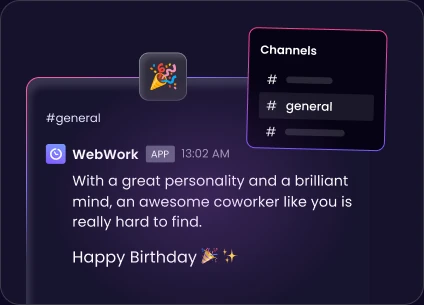
WebWork AI creates and assigns tasks, analyzes the tracked data and takes on the routine tasks for you. It looks at the performance patterns of each employee, flags performance deviations, and alerts you.
It also generates daily activity summaries and emails them, and answers questions about team performance. The Smart Monitoring add-on adds AI performance categorization across five levels for $2.50 per user per month.
How to Set Up the Task Timer for Time Tracking
Install the tracker on the platform your team uses. Desktop for Windows, macOS, or Linux, mobile for iOS and Android, the browser tracker, or the Chrome extension.
Create projects and add tasks, with due dates, priorities, custom statuses, and a budget estimate.
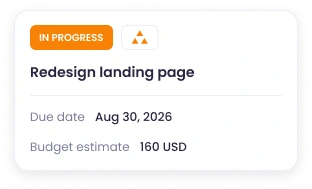
Assign the tasks and pick the tracking mode. WebWork will record time on the selected task.
Once employees start tracking time, you will get task reports with the tracked hours of each person on each task.
Security and Privacy
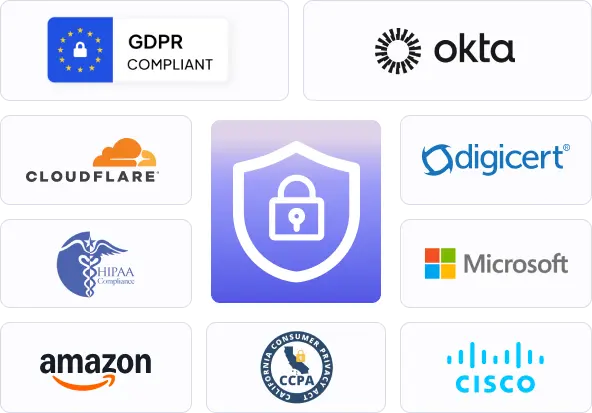
WebWork is GDPR, CCPA, and HIPAA compliant. Your team data travels over SSL/TLS encryption and is kept on Amazon S3 cloud infrastructure with Cloudflare network security. WebWork does not sell customer data.
For internal data security, WebWork offers six role levels, each with a distinctive level of access. A Team Manager sees only their teams, a Project Manager only their projects, and a Regular User only their own tracked hours.
 More About Security
35,000+ people signed up last month
Trusted and Loved by Companies Worldwide


Who Uses WebWork Employee Task Timer
Marketing and creative agencies
For marketing teams, task-level timing shows which deliverables consistently overrun. And a task timer makes sure that the next retainer is priced on recorded numbers instead of a guess.
Software & Web Development
When task reports show how long each ticket actually took, development teams can plan the next sprint based on actual recorded hours. WebWork tracks time per ticket through the Jira, ClickUp, and Asana integrations.
Design teams
Tracking time on design tasks allows design teams to quote the next project on the hours the last one took, revision rounds included.
Consultants
Tracking time on client tasks allows consultants to answer a questioned invoice with the description recorded against each entry
Accounting firms
Closes, filings, and reconciliations recur every cycle, so task reports give accounting firms the hours to quote the next one on.
Track Task Time in the Tools You Already Use
WebWork integrates natively with ClickUp, Asana, Jira, Trello, Notion, Todoist, Teamwork, Wrike, Zoho Projects, and Bitrix24. The timer runs against the same tasks you already created there, so the work does not get duplicated into a second system. Zapier and Make connect the rest.
Go to All Integrations
Why Teams Choose WebWork as Their Task Timer Software
Adalberto V.
Follow Up Specialist
Awesome Time Tracking with Productivity Screenshots
Before using WebWork Time Tracker, I had to spend so much time manually editing time entries and checking each employee's productivity. Now, with WebWork Time Tracker, I save a lot of time and can focus on many more work-related issues, which makes me more productive overall.
Keith James V.
Dental Virtual Assistant
Lightweight and Intuitive
WebWork Time Tracker simplifies time tracking by running in the background and efficiently recording shifts. It reduces resource use, eases payroll submission, and offers intuitive interface, enhancing team collaboration while ensuring payroll accuracy.
See the Task Timer on Your Own Projects
Book a demo and our specialists will help you set up a project with tasks and estimates, run the timer, and go through the task reports.
Book a Demo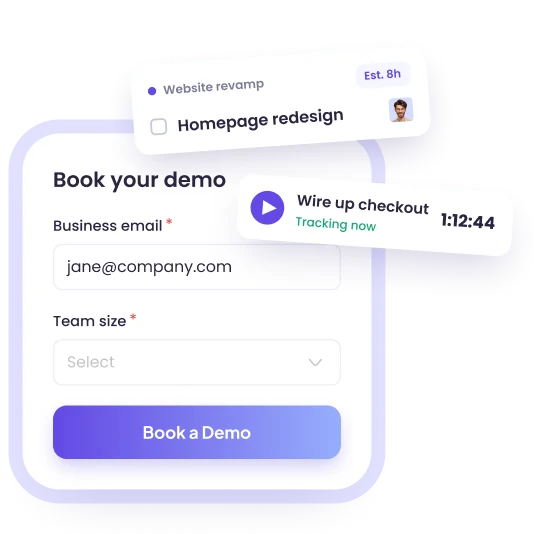
An Online Task Timer for Work on Every Platform
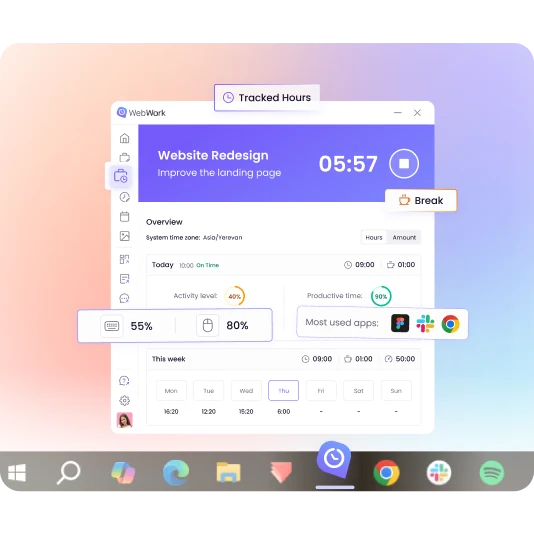
WebWork task timer app runs on Windows, macOS, and Linux as a desktop tracker, on iOS and Android as a mobile app, in the browser as an online task timer, and as a Chrome extension. All of them sync to the same workspace, so a task started on a desktop and finished on a phone stays one record.
FAQ
Start Timing Tasks Today
See how long each task really takes, and whether the estimate held.
No credit cardCancel anytime