Set up job sites by address
Create a job site by entering an address and choosing a radius between 50 and 5,000 meters. Assign the team members who work there and link the site to a project.

Track Hours, Verify Presence, and Run Payroll Without Manual Punches
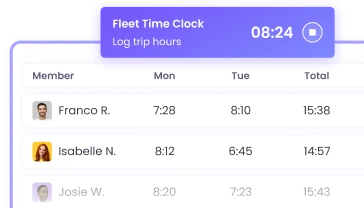
Manage hours across depots, warehouses, and delivery routes from one place. WebWork’s logistics time clock starts and stops the timer automatically when your team enters or leaves a job site. It captures GPS routes through the day, and turns every hour into a payroll-ready record. Your drivers and crews focus on the work while their time tracks itself.

Set up your job sites once, assign your crew, and WebWork handles every clock-in, clock-out, and location record from there.
The timer starts when a team member crosses a job-site boundary and stops when they leave.
Add a job site by address, set the radius, and assign your team.
Every clock-in is tied to a confirmed GPS location, not a shared terminal or a manual entry.
Tracked time goes into timesheets and exports to Deel, Wise, PayPal, Payoneer, and Gusto.
WebWork tracks offline and stores data on the device when signal drops and syncs automatically once connection returns.
Trusted by 32,000+ companies across 165 countries


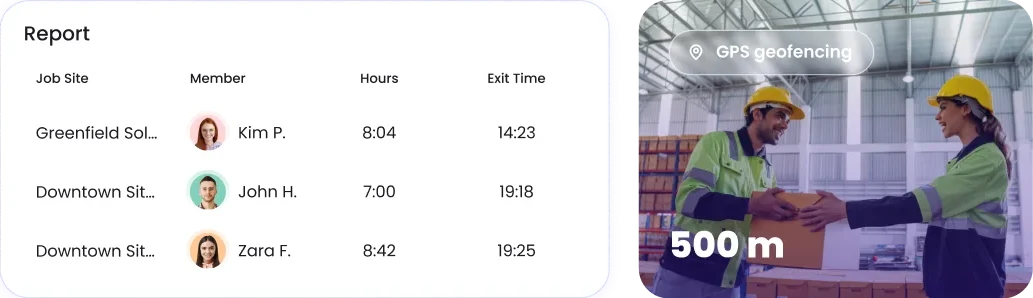
Set a boundary around any depot, warehouse, or client site, and WebWork handles the rest. The moment a driver or crew member arrives, their timer starts. When they leave, it stops, with entry time, exit time, and duration on site logged automatically.
Tracked hours convert into timesheets and reports without manual entry. Calculate regular hours, overtime, and breaks, then export payroll-ready data or pay your team directly through WebWork.
Assign shifts with their own rules for each role and location, and pair them with job sites. WebWork flags overtime as well, so labor costs stay visible across round-the-clock logistics operations.
Field staff track time from their own phones with the WebWork mobile app. It records hours and GPS location as they move between sites, so transportation time tracking continues whether they’re at the yard or on a delivery run.

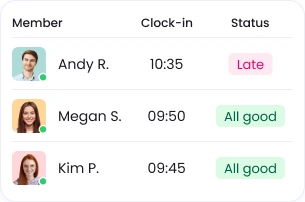
See who is working at the office, the warehouse, or on the road from one live dashboard. WebWork shows current activity and on-site presence as it happens, without check-in calls.
WebWork turns each location your team works from into a geofenced job site, so hours track themselves as crews move through the day.
Create a job site by entering an address and choosing a radius between 50 and 5,000 meters. Assign the team members who work there and link the site to a project.
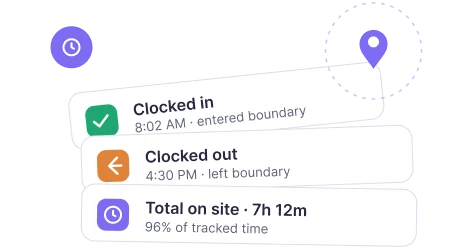
When a team member enters a geofenced site, the timer starts; when they leave, it stops. Every visit records entry time, exit time, total time inside the boundary and the percentage of tracked time on site.
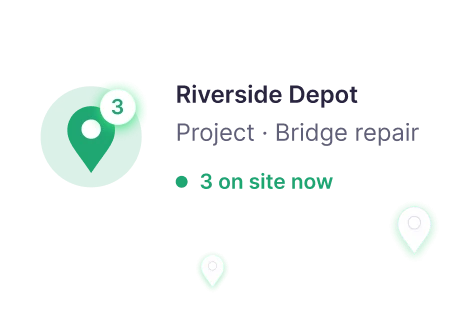
See presence across all job sites at the same time. Hovering over an active site shows the project and exactly who is there at that moment.
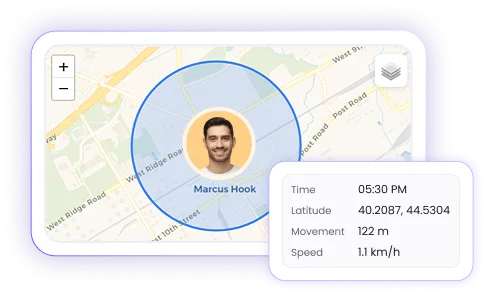
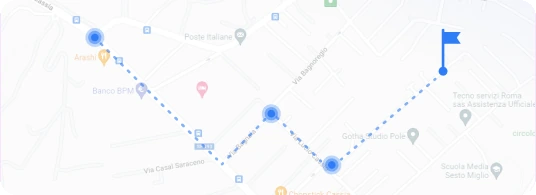
The interactive map traces each route with directional arrows, useful for drivers running multiple drops and for verifying hours against client billing.
Go to Monitoring > GPS Tracking > Manage Job Sites. Enter an address, set the radius, assign a project and team members, or import sites in bulk.
Available on iOS and Android. Once members join the workspace and grant permissions, geofencing runs in the background.
WebWork logs each visit with a precise timestamp, total duration, and percentage of time inside the boundary.
Geofenced hours are visible in timesheets. Approve entries and export payroll-ready reports, or pay through WebWork.
WebWork AI turns tracked hours and activity into real-time insight, flagging overwork and irregular activity patterns. Ask the built-in AI assistant about team performance or have it produce a custom report, so you can make scheduling and staffing decisions with current data.
Explore WebWork AI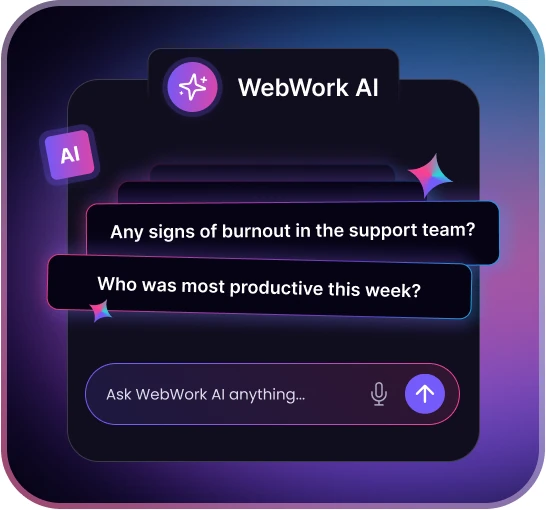
WebWork protects location and work-hour data with high-level encryption both in transit and at rest, regular security audits, and strict access controls. We comply with GDPR, CCPA, and HIPAA, and never sell your data so your records meet the standards that regulators and clients expect.
About Security
Geofenced and tracked hours flow into the platforms you use for payroll and operations. Send approved timesheets to payroll through Deel, export data compatible with Wise, PayPal, Payoneer, and Gusto, or connect to 8,000+ tools through Zapier and Make.
All IntegrationsBook a demo and we will walk you through how the time clock for logistics fits your operation and help you set it up for your team.
Book a DemoTrack hours across stores and fulfillment centers, with attendance and shift coverage visible in one view.
Track crew hours and verify on-site presence across every job site, with labor costs updating as the workday progresses.
Turn every service call into a geofenced job site so technicians clock in automatically the moment they arrive.
Track hours and attendance for distributed care teams, with location-verified visits at every site.