Time Entry Software
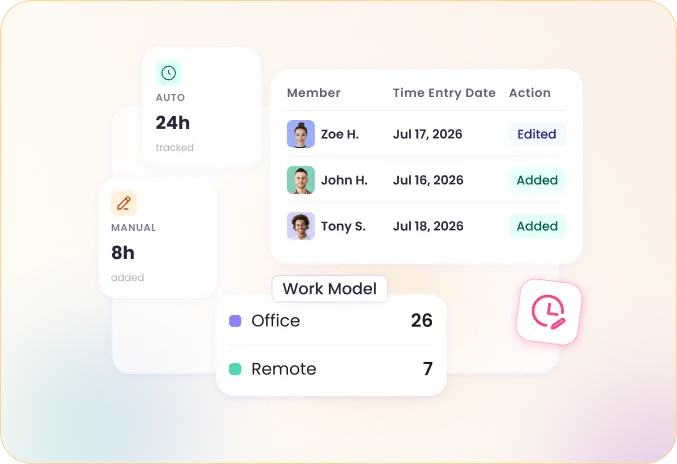
Record work hours automatically with the tracker or add them as manual entries. WebWork turns both into timesheets, payroll amounts, and invoices. Your team can enter time on Windows, Mac, Linux, mobile, the web, and the Chrome extension. Time entry is included in every WebWork plan, starting at $3.99 per user per month.
What Is a Time Entry System?
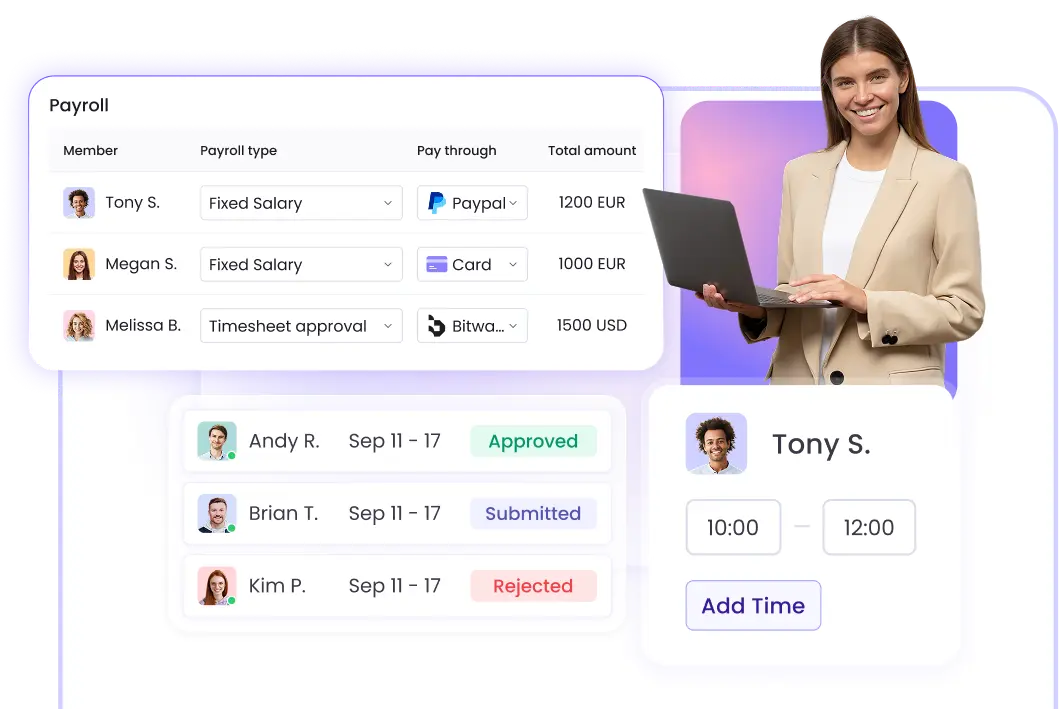
A time entry system is software that records the hours people spend on work and turns those records into usable business data. Each entry shows who worked, on which project or task, and for how long. The system collects entries into timesheets, applies hourly rates, and feeds the totals into payroll, invoicing, and reports.
A spreadsheet stores hours someone typed in from memory; a time entry system records them as the work happens and keeps rates, approvals, and reports attached to every entry. WebWork supports both automated tracking and manual entries, so office, remote, hybrid, and field teams can record time in the same system.
Four Ways to Add Time Entries
Teams rarely record time in just one way, so WebWork doesn't force one. Choose the entry method that fits each team or let different teams use different methods inside the same workspace.
Automatic Time Tracking
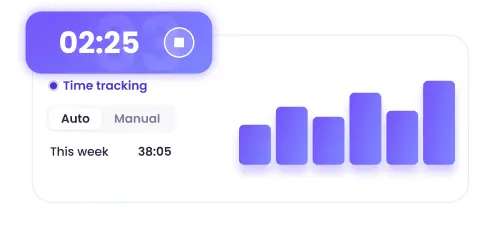
The desktop tracker records hours while employees work, along with activity levels based on keyboard and mouse frequency. Nobody fills in a timesheet at the end of the week — the entries are already there.
Manual Time Entries
Employees add hours manually for work that happens away from the tracker, such as meetings, calls, or client visits. Manual entries appear in the same timesheets as tracked time.
Web Tracker and Chrome Extension
Track time directly in the browser without installing anything, with features like task management and invoicing available in the web app. The Chrome extension adds time tracking to the browser itself.
Mobile Tracking with GPS
The mobile app tracks time on the go, with location tracking available for on-site and field teams.
A Complete Time Entry Management System
Recording hours is the start. WebWork turns the entries into the documents your business runs on:
Timesheets
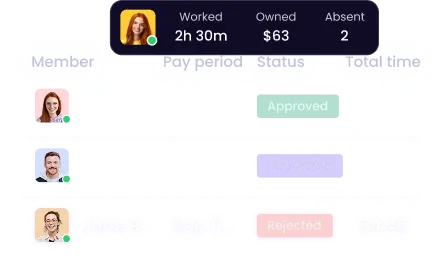
Entries collect in timesheets per person, project, and task, with hourly rates and totals attached. Open a timesheet to see what any team member worked on in a day, week, or month.
Payroll and Payments
WebWork calculates payroll automatically from approved hours and rates. You can also pay team members directly through payment integrations like Deel, PayPal, Wise, and Payoneer.
Timesheet Approvals
Managers review and confirm timesheets before the hours count toward payroll. Questions about an entry get resolved before payday instead of after.
Invoicing and Billable Hours
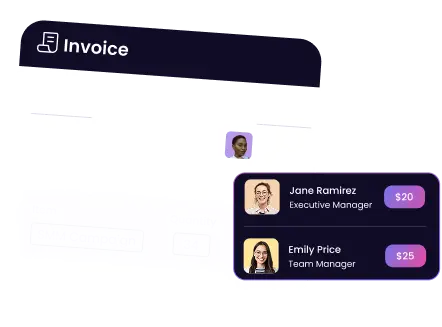
Mark hours as billable and generate invoices from the recorded work logs. When a client questions a charge, the time entries behind the line are already documented.
Reports
Reports break down tracked hours, productivity, and costs by person, project, or team — each one a report you can open, filter, and share.
WebWork AI Turns Time Entries into Answers
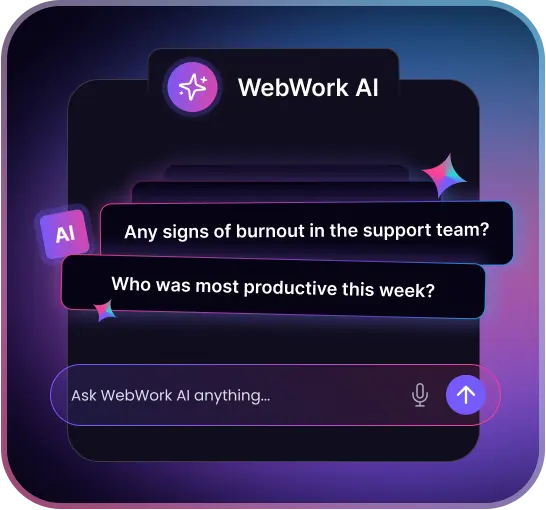
WebWork AI analyzes tracked data, flags irregularities in activity patterns, and identifies employees at risk of burnout so you can step in early. It works on its own, too: the AI reviews your team's performance data and sends what's worth knowing straight to your inbox, from periodic performance reviews to budget overrun alerts. And when the data calls for action, you can delegate it. Ask WebWork AI to create a task, start a standup, or update a member's details, right from WebWork, Slack, or WebWork Chat.
For fully hands-off oversight, the Smart Monitoring add-on checks every employee's activity data daily and reports back without being asked.
A Time Entry System That Protects Employee Data
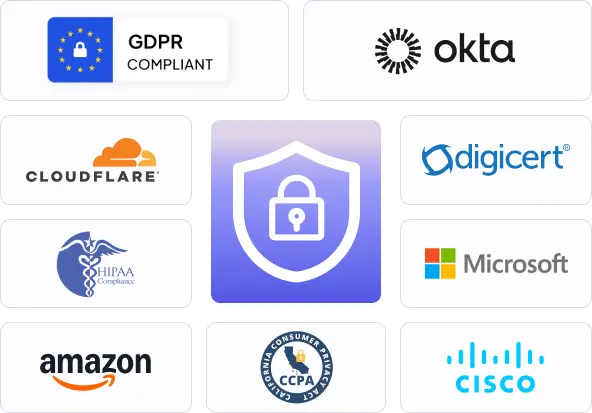
WebWork is fully GDPR, HIPAA, and CCPA compliant at every stage of collection, storage, and processing, and stores your data with industry-standard encryption. Employees are informed of the tracking mode applied to them under WebWork's transparency settings.
Monitoring features are configurable, so time entry works with as much or as little oversight as your policy allows. Screenshots, for example, can be blurred or disabled entirely for specific projects, users, or time periods.
 Go to WebWork Security
35,000+ people signed up last month
Trusted and Loved by Teams Around the World

Sachin S.
April 8, 2026


Accurate and Effortless Time Tracker
I use WebWork Time Tracker to manage time on tasks and projects, providing productivity insights, task management, and reporting. It makes time tracking accurate and effortless, boosting accountability and organization while saving time.

Pamela O.
June 15, 2026

Simple and reliable for daily time tracking
WebWork solves the challenge of accurately tracking work hours and project time without relying on manual timesheets. It gives me a clear record of my work, helps me stay organized, and makes it easy to review hours and project activity when needed. This saves time and improves accountability for both employees and managers.
How to Set Up a Time Entry System in WebWork
Create a workspace
Sign up for the 14-day free trial. No credit card is required.

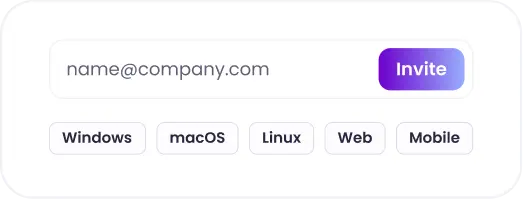
Invite your team
Add members by email and ask each person to install the WebWork tracker on Windows, Mac, or Linux or use the web and mobile apps.
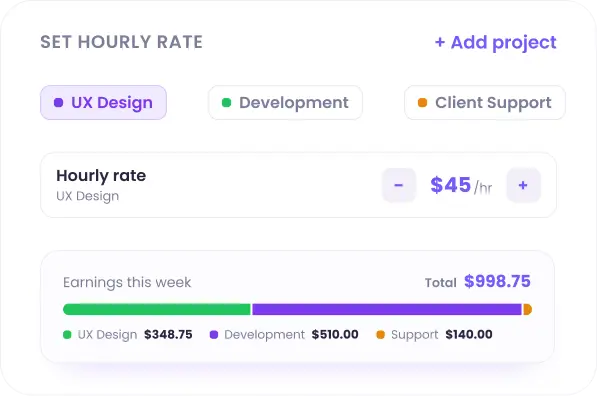
Add projects and set rates
Create your projects and tasks, and set hourly rates so every entry carries cost and earnings data.
Start tracking and adding time
Members track time automatically or add manual entries as they work.
Review and approve timesheets
Entries appear in timesheets and reports, ready for approval, payroll, or client billing.

Who Uses a Time Entry System
Any team that pays or bills by the hour benefits from a time entry software.
Marketing Agencies
Agencies track time per client and project, and attach time reports to invoices, so billable hours stay accurate across campaigns.
Software & Web Development
Development teams track time on tasks in tools like Jira and ClickUp, and managers see how sprint work is progressing without asking for status updates.
BPO Companies & Call Centers
BPO teams run large, shift-based workforces where client contracts require documented hours. Timesheet and attendance reports give account managers records they can hand to clients directly.
Field & Logistics Teams
Drivers and field technicians track time from the mobile app with GPS, so hours and locations are recorded together.
Integrates with the Tools Your Team Uses
WebWork integrates natively with the tools your team already works in, including Jira, Asana, ClickUp, Trello, Notion, Wrike, Slack, and more. Projects, tasks, and members import into WebWork, and in tools like Asana, Jira, and ClickUp, tracked time appears on the original task. For everything beyond the native list, Zapier and Make connect WebWork with 8,000+ apps.
Explore Integrations
See the Time Entry System in Action
Book a short demo and a WebWork specialist will walk you through entry methods, timesheets, approvals, and payroll setup and answer any questions about rolling time entry out to your team.
Book a Demo