Time Tracker for Employees

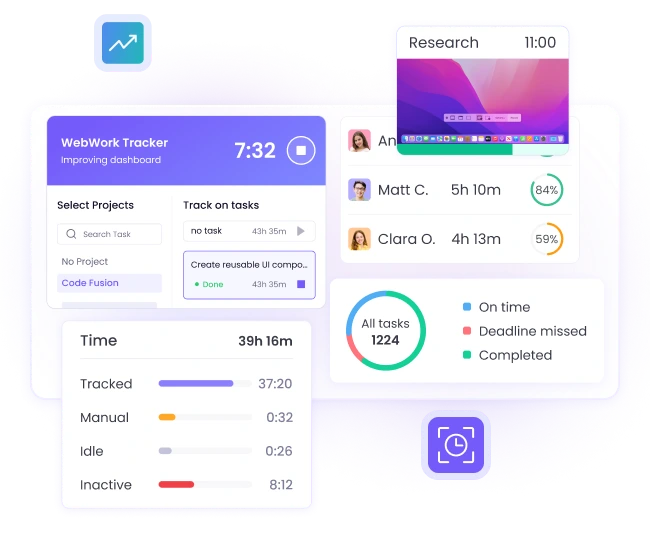
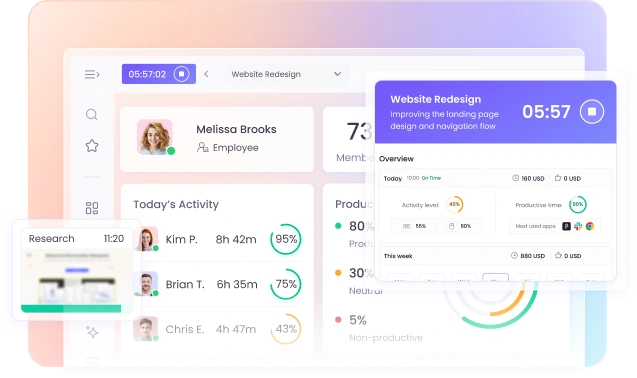
Track the work of your staff with the most advanced, but yet simple to use time tracker for employees, WebWork. Make sure your team performs their best while helping your staff succeed and grow with employee time tracking.

No credit card Cancel anytime

G2 Crowd reviews Capterra trusted reviews GetApp verified ratings
Track employee performance effectively with the best time tracker for employees, optimizing work productivity
Automating workflows with time tracking, trusted by Zapier Best time tracker trusted by Deel Time tracking solution trusted by AutoFox for fleet management Teem uses WebWork Time Tracker Trusted time tracking software for employee time management at Rocket Station Arbostar’s choice for reliable business management and time tracking Trusted employee monitoring solution for secure time tracking at Axcera Global workforce management and time tracking trusted by Groworx Trusted choice for time tracking at Saeculum Time tracking software for team collaboration and management at Resolv Global

Why You Need an Employee Time Tracker

Track the work hours of your staff with employee timekeeping software and ensure you get the most from their hard work. Employee time tracking also makes it easier for your staff to identify their strengths and weaknesses and develop their skills.

Easier organization

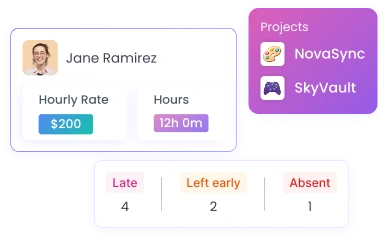
Provide your team with all they need to stay organized at work with the best employee time tracking app. Manage projects, tasks, finances, absences, and much more in WebWork.

Help your team stay organized with the best employee time tracking app, managing projects, tasks, finances, and absences

Reduced stress

Help your staff complete their work on time and avoid the time crunch with the employee time tracker. Manage tasks in WebWork and ensure your staff prioritize their work correctly.

Increased performance

Take your team’s productivity to the next level with the best time tracker for employees. Make sure your staff focus on the right tasks and don’t get distracted with WebWork.

Enhanced management

Manage all aspects of your business in the same place your team tracks time with WebWork. Simplify your day-to-day management tasks and speed up your company’s growth..

The First AI Time Tracker for Employees

Unlock detailed insights into productivity with the market’s first employee time tracking app with AI, WebWork. Get accurate productivity recommendations and management tips tailored to your needs and request specifications.

Explore WebWork AI
Unlock productivity insights with the employee time tracking app using AI

Thousands Choose WebWork Time Tracking Software

G2 Leader award Spring 2026 badge for top performing software, WebWork Time Tracker WebWork Most Implementable G2 award Spring 2026 badge for easy to adopt software GetApp Category Leaders 2025 award recognizing WebWork as a leading time tracking and employee monitoring software Tekpon Top Time Tracking Software Q4 2025 badge awarded to WebWork Time Tracker for best time tracking solution Capterra Shortlist 2026 badge received by WebWork as a top time tracking software G2 Users Most Likely To Recommend Spring 2026 badge earned by WebWork Time Tracker for easy to use time tracking software G2 Leader Award Spring 2026 badge earned by WebWork Time Tracker for top performing time tracking software

~54M

Hours Tracked

~2.8M

Tasks Completed

~320K

Projects Succeeded

165

Countries

Book a Demo to Experience Employee Time Tracking

Doubting whether WebWork is the right employee time tracking app for your specific use case? Book a demo with our success specialists to find out why it’s the best time tracker for your employees.

Increase Your Team’s Performance

Take your team’s performance to the next level with the best time tracker for employees.

Task Management

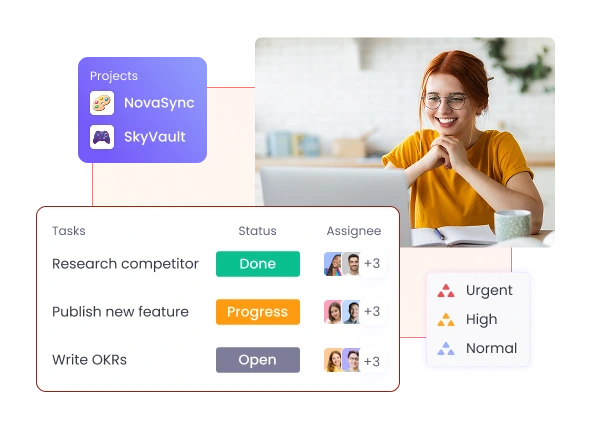
Manage your team’s tasks in the same place they track time. Ensure your team stays organized with key details like assignees, priority levels, and task statuses.

Go to Task Management

Activity Level Tracking

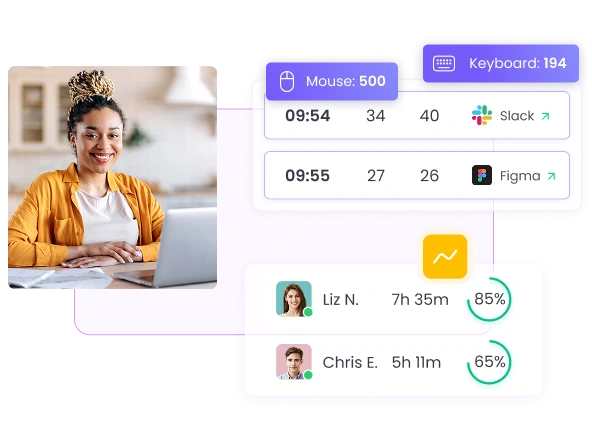
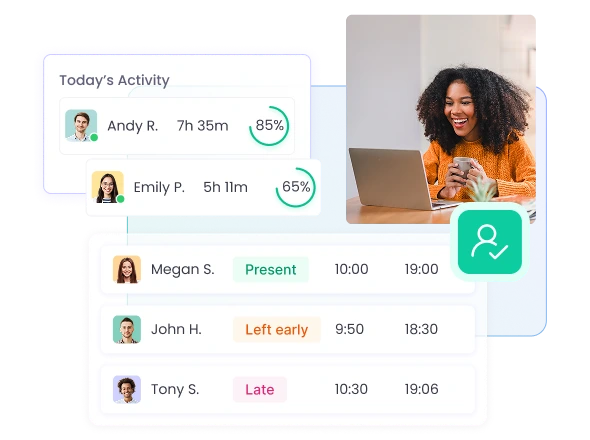
Track the activity levels of your staff and ensure they’re working when they’re supposed to. Identify periods of low activity to overcome any performance bottlenecks with ease.

Go to Activity Level Tracking

App and Website Usage

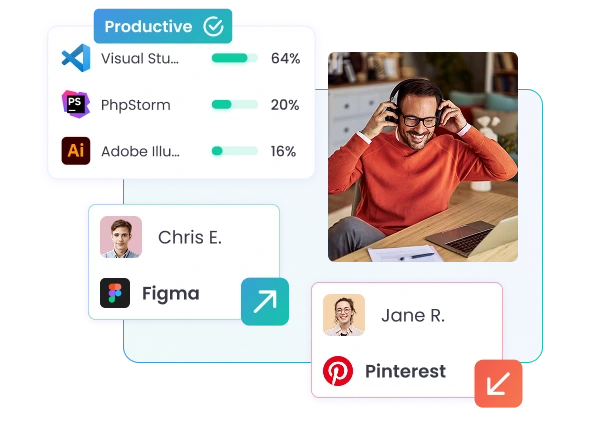
Track what apps and websites your employees use at work and ensure they’re not getting distracted. Help your team avoid distractions with automatic alerts.

Go to App and Website Usage
Manage team tasks with priority levels, assignees, and statuses in the employee time tracker for improved organization
Track employee activity levels to ensure work performance and identify low activity periods with the employee time tracker
Track employee app and website usage to prevent distractions with the best employee time tracking app

Simplify Management Across Your Firm

Manage all aspects of your business with the best employee time tracker and simplify your work.

Monitor company expenses accurately by tracking receipts and purchases with the best employee time tracking app
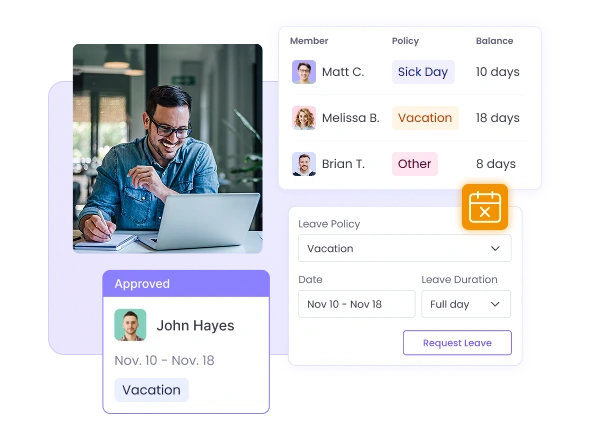
Manage employee leave and track absences with the best time tracker for employees to stay organized
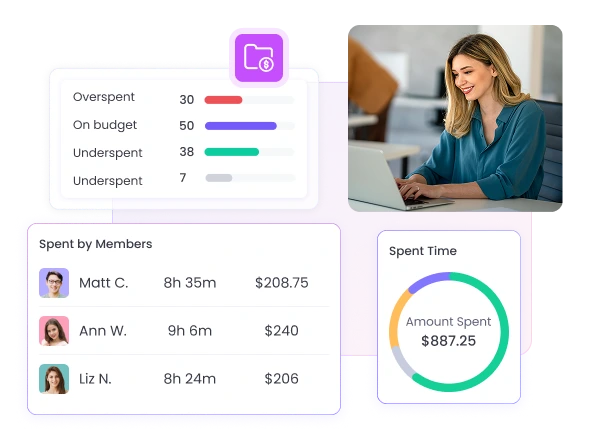
Track project costs and avoid overspending using employee time tracking data with the best time tracker for employees

Leave Management

Manage your company’s days off with the best time tracker for employees. Help your team plan around absences ahead of time to stay organized and on track.

Go to Leave Management

Project Budgeting

Track how much projects cost over time using your team's tracked data. Set budget estimates and make sure you don’t end up overspending on projects.

Go to Project Budgeting

Expense Tracking

Monitor company expenses across your business with the best employee time tracking app. Log receipts and purchase dates to ensure you track your spending accurately

Go to Expense Tracking >

Need a feature we don’t have?

While WebWork has tons of features, we’re always working to make it a better employee time tracker for you and your team.

Check Our Roadmap

Check out our roadmap to see what new features you should look forward to.

View Roadmap Explore the roadmap to discover upcoming features in the best employee time tracker

Make a Feature Request

Can’t find what you need on our roadmap? Make a feature request instead!

Request a Feature Submit a feature request for the best employee time tracker if you can't find what you need on the roadmap
WebWork Time Tracker for Freelance teams

Download the Best Time Tracker for Employees

WebWork Time Tracker is available as a Desktop App and as a Mobile App. You can also track time with the Web Tracker or use the Extension Time Tracker in the browser.

Desktop

Mobile

Web

Extension

Integrations

WebWork natively integrates with 25+ tools, including Asana, Jira, ClickUp, Slack, Notion, and Deel. Plus, connect with 8,000+ apps through Zapier and Make.

Explore Integrations
Integrate WebWork with popular tools

Your Data is Safe with Us

Track your team’s productivity confidently with the best time tracker for employees—protecting your data is our #1 priority.

We store all of your data using industry-standard encryption, meaning you can be assured that nobody can get unauthorized access to it.

WebWork Time Tracker is also fully GDPR-compliant. We handle all of your data following strict data protection and privacy rules set out by the EU.

Go to WebWork Security
Track team productivity securely with the best time tracker for employees, ensuring GDPR-compliant data protection and encryption

Our Customers Love WebWork

Mohamed M., Small-Business owner

WebWork Time Tracker helps me know the actual working time for each employee and the programs and websites they work on, which enhances my ability to monitor employee productivity.

Joan Jett B, General Partner

I really like the simpleness of the app. It has all the tool that I need to keep track of my employees activities and attendance. As well as give me summary of their claims for the payroll. Overall, I am a satisfied customer. Will explore other functions once my company grows bigger.

FAQ

A time tracker for employees is software that records work hours, activity, and task progress across your team. It replaces manual timesheets with automated tracking, giving managers accurate data for payroll, billing, and performance reviews.
WebWork offers four tracking modes: automatic, start/stop, manual entry, and silent background tracking. Employees install the desktop, mobile, or browser app, and their work hours sync to a central dashboard. Managers see tracked time, activity levels, and project progress in real time.
A reliable time tracker for employees should include accurate hour logging, project and task assignments, activity monitoring, reporting tools, and integrations with payroll or project management software. WebWork includes all of these, plus optional screenshots and productivity metrics.
Yes. Each employee has access to a personal dashboard showing their tracked hours, activity levels, assigned projects, and tasks. This transparency supports accurate timesheet submissions and helps staff understand their own work patterns.
Yes. WebWork is built for distributed teams. The employee time tracker works across time zones, syncs from any location, and gives managers visibility into remote work without requiring constant check-ins.
Yes. You can create projects, assign team members, and organize work into tasks. When employees track time, it logs against the selected project or task. This makes the employee time tracker useful for client billing and project budgeting.
WebWork generates reports on tracked hours, activity levels, app and website usage, timelines, attendance, tasks, breaks, and payroll. Reports can be filtered by user, team, project, or date range, and exported as CSV, XLS, or PDF files.
Yes. WebWork connects with Asana, Jira, Trello, ClickUp, Slack, GitHub, and other project tools. For payments, it integrates with PayPal, Stripe, Deel, Payoneer, and Wise. Zapier and Make.com support custom automations.
WebWork uses industry-standard encryption and is fully GDPR-compliant. All tracked data is stored securely, and access controls let you define who sees what information.
Pricing starts at $3.99 per user per month on the Pro plan. This includes time tracking, screenshots, activity monitoring, and productivity metrics. The Plus plan adds payroll, shift scheduling, and integrations. Premium includes white label options and priority support.
G2 Crowd reviews
Capterra trusted reviews
GetApp verified ratings

Get the Best Time Tracker for Employees Today

Start 14-Day Free Trial

No credit card Cancel anytime

Book a Demo