
Employee Timekeeping Software
Record your team's work hours automatically with an employee timekeeping software, without asking anyone to fill in a timesheet. WebWork captures time while employees work, builds the timesheets from that data, and turns the hours into payroll and client billing figures. Invite your team and the record starts building the same day.
35,000+ people signed up last month
Thousands Choose WebWork Time Tracking Software


What Is Employee Timekeeping?
Employee timekeeping is the practice of recording when your staff work and how long they spend on each project or task. An employee timekeeping software replaces paper timesheets, punch cards, and spreadsheets with software that records those hours as they happen.
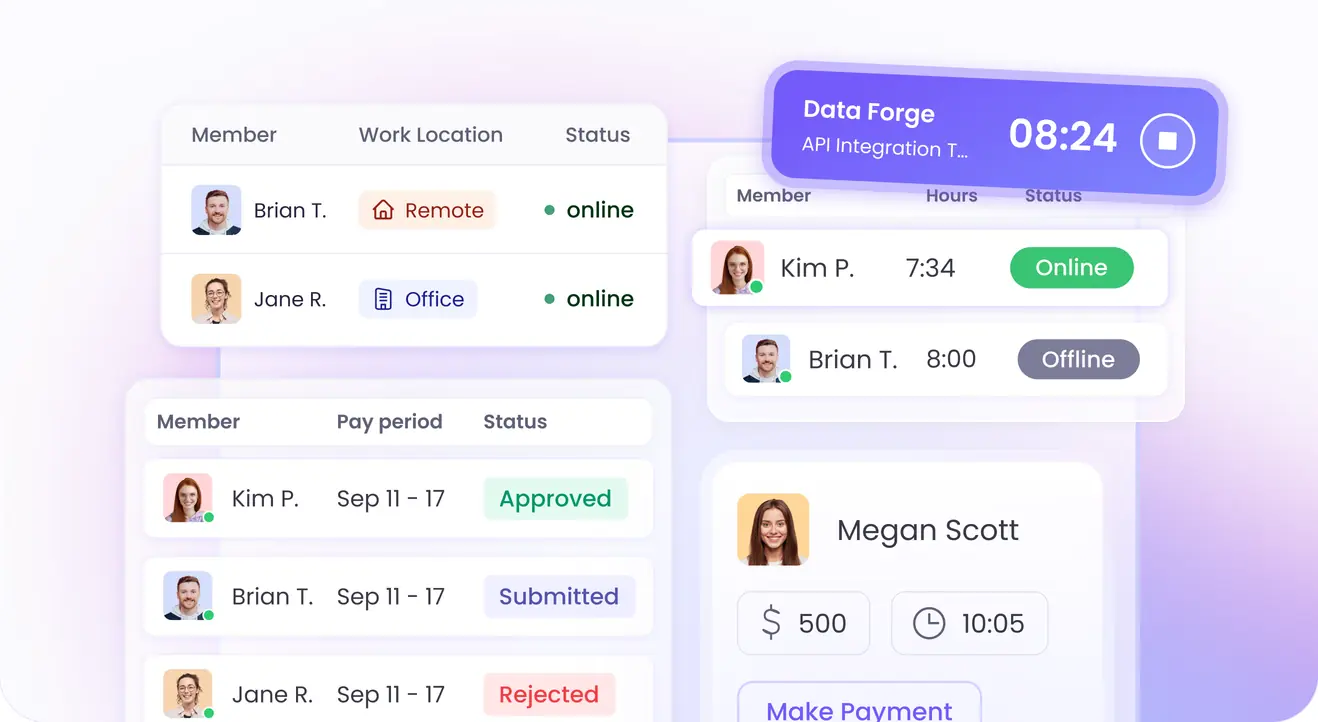
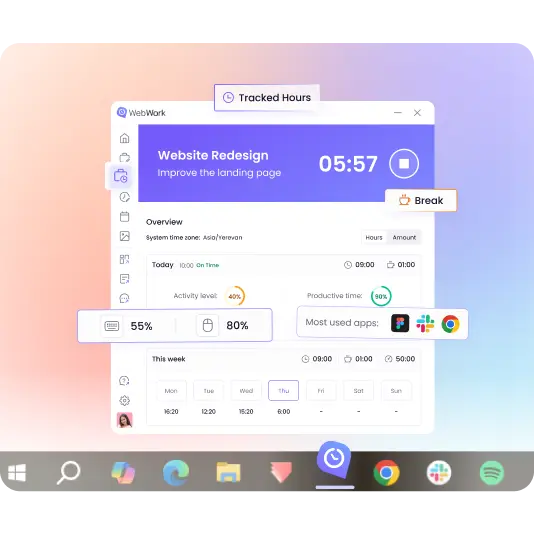
The WebWork timekeeper app runs on an employee's computer or phone and sends work hours to a central dashboard. Managers watch the hours accumulate in real time, and HR gets a clean record for payroll, leave, and overtime without collecting anything by hand.
How Do You Keep Track of Employee Hours?
On the employee timekeeping software you use, pick the tracking mode that matches how your team works, then let the software handle the recording.
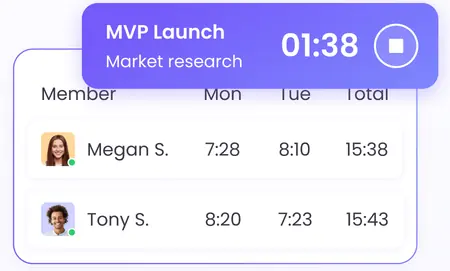
Automatic tracking
The tracker runs continuously once the workday starts, and employees cannot stop or edit it. This suits remote teams, client billing, and any role where the hours have to be exact.
Manual tracking
Employees start and stop the timer themselves and manage their own entries. A better fit for creative teams and flexible schedules.
Silent tracking
The tracker runs in the background on company-owned devices with no employee interaction required.
Even when the internet drops, WebWork continues tracking time offline. It stores hours, app usage, and activity data on the device and syncs them as soon as the connection returns.
Employee Time Clock and Attendance Tracking
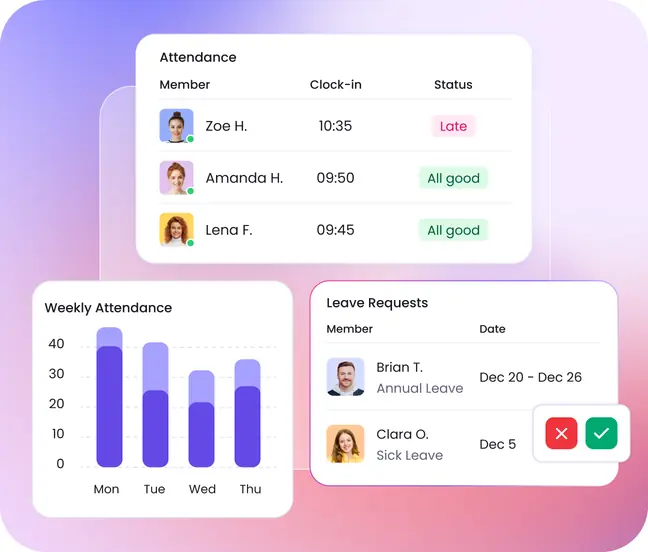
WebWork's employee time clock software is built in: employees clock in when they start the tracker and clock out when they stop, so attendance records come from the same data as the timesheets. The attendance dashboard shows who is working, who started late, who is absent, and who is on leave, updated in real time.
Shifts, leave, and holidays sit alongside it. Assign start and end times per team or timezone, get an alert when someone runs past their shift hours into overtime, and approve or reject leave requests.
Timekeeping and Payroll Software in One System
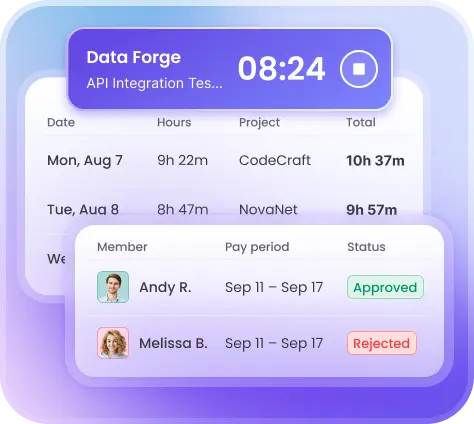
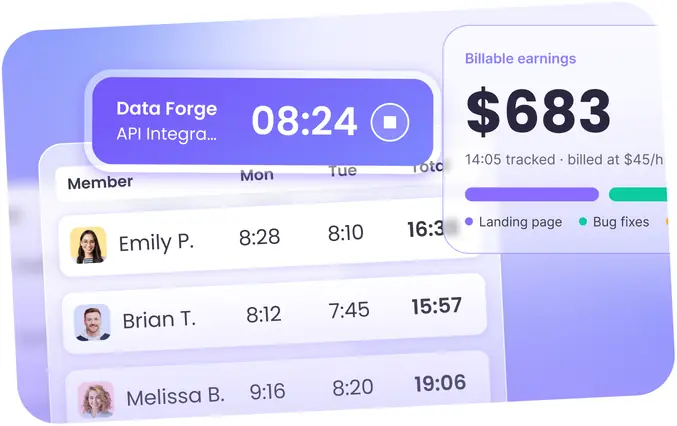
Tracked hours become payroll figures directly. Set hourly rates per member, project, or contract, and WebWork calculates what each person has earned from the hours they actually worked, with paid overtime and paid time off included in the total.
Timesheets can go to Deel automatically on your pay cycle, whether that is weekly, bi-weekly, twice monthly, or something custom. You can also export payroll reports for Wise, PayPal, Payoneer, and Gusto, individually or in bulk. Payments run directly through the platform via Stripe, Wise, PayPal, and Bitwage.
For client work, billable hours turn into invoices built from the tracked time, and clients pay from the invoice itself by card or PayPal.
Manual Timekeeping vs. Spreadsheets vs. WebWork
| Paper timesheets | Spreadsheets | WebWork | |
|---|---|---|---|
| How hours get recorded | Written in at the end of the week | Typed in manually | Recorded while the work happens |
| What the number is based on | Memory | Memory | Tracked activity on the device |
| Admin work per pay run | Collecting and re-entering every sheet | Consolidating files and fixing formulas | Reports ready to export |
| Overtime and attendance | Counted separately by hand | Manual formulas | Separated and calculated automatically |
| Proof behind an entry | None | None | Screenshots, app and website logs, activity levels |
| Record of edits | None | Version history at best | Every edit logged with the previous value and who changed it |
AI-Powered Timekeeping Software
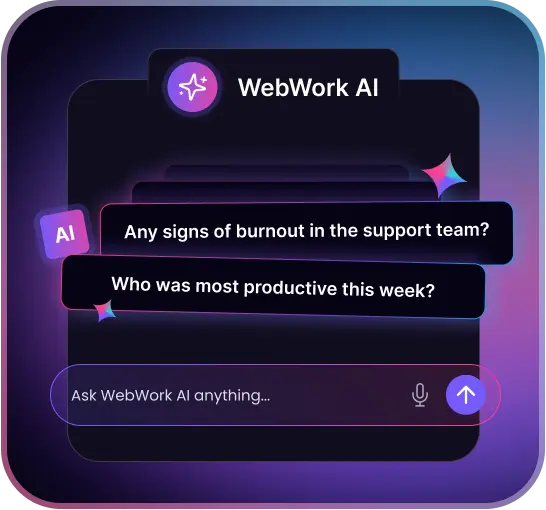
WebWork AI reads the tracked time and tells you what it means. It sorts apps and websites into productive, neutral, and non-productive by role, writes a summary of each employee's day, and flags the patterns worth a second look: irregular hours, missed breaks, sustained overwork, or input that looks automated rather than human.
Timesheets, Reports, and HR Recordkeeping
Timesheets build themselves from tracked hours and can be filtered by date range, project, team, or individual member. Managers review and approve them before anything reaches payroll.
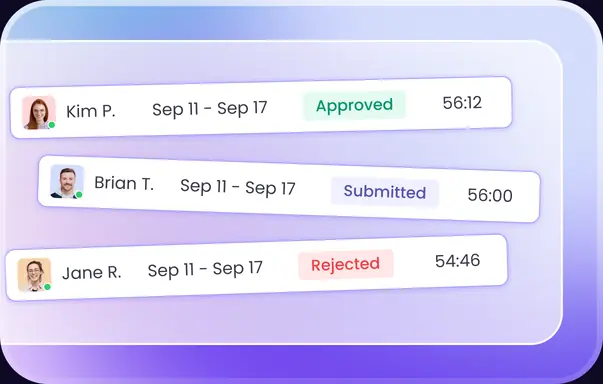
For HR, the record goes past a weekly total. You get hours by day, week, and month, punctuality and attendance history, overtime separated from regular hours, leave and holiday records, and a time edit log showing every change made to an entry, who made it, and what the value was beforehand. Reports export as CSV or XLSX, and scheduled reports arrive by email on the cadence you set.
Employee Privacy and Data Security in Timekeeping
WebWork is GDPR-compliant and meets CCPA requirements, with HIPAA compliance available on the Premium plan. Data is encrypted in transit and at rest.
Monitoring settings stay in your hands. Screenshots can be blurred, taken silently or with a visible notification, and switched off entirely per project or per contract. They are only captured while the timer is running, so nothing is recorded outside working hours.
Learn About Security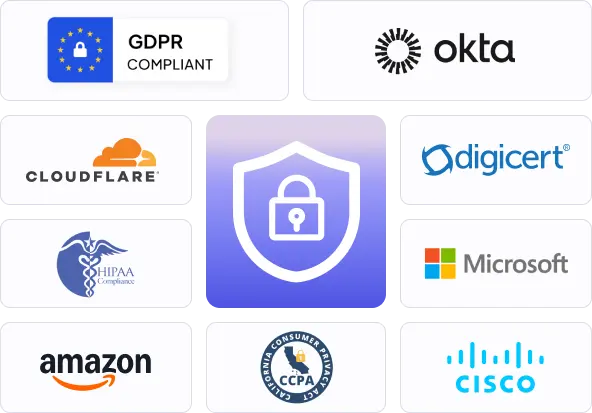
Timekeeping Software for Your Industry
Staffing and temp agencies
Track hours across placements and client sites, then hand clients the timesheets they need to approve before you invoice.
BPO and outsourcing teams
Show clients exactly what their billable hours went into, with screenshots and app usage behind every entry.
Call centers and support teams
See who is on shift right now, who clocked in late, and how coverage held up across the week.
Software and web development
Log hours against tasks and sprints, with time tracked from the project tools your developers already work in.
Timekeeping for Teams of Any Size
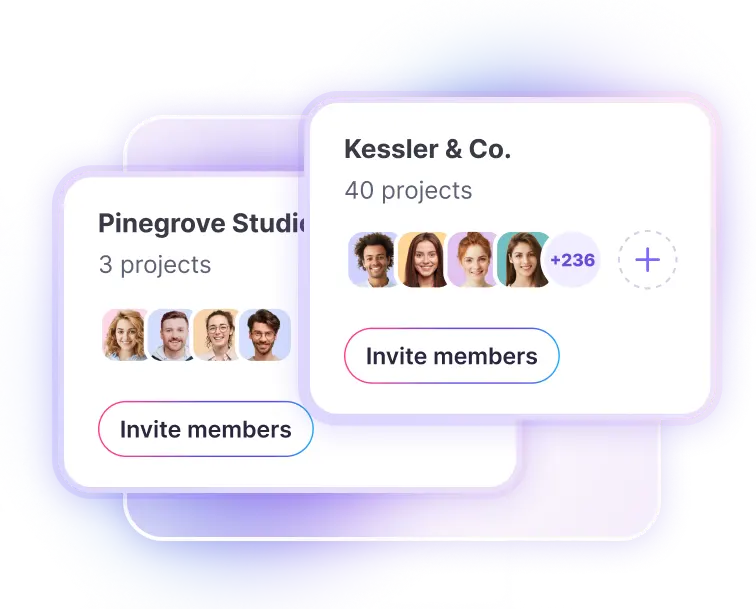
Add or remove members as the team changes, with no cap on projects, tasks, teams, or members. Metaviz raised productivity by 25% after moving to WebWork, and MID Construction cut costs by half.
Timekeeping That Fits Your Existing Tools
Connect WebWork to the project and payroll tools your team already uses, and import members from those apps instead of inviting everyone one by one. Time tracked against a task in your project tool appears on the matching WebWork entry.
See All Integrations
FAQ
Start Tracking Employee Hours Today
No credit card | Cancel anytime