
Employee Computer Monitoring Software
Intelligent computer monitoring that combines quick and easy installation with advanced monitoring. Installation on company devices with MDM, silent and visible tracking, smart monitoring with AI, and more.


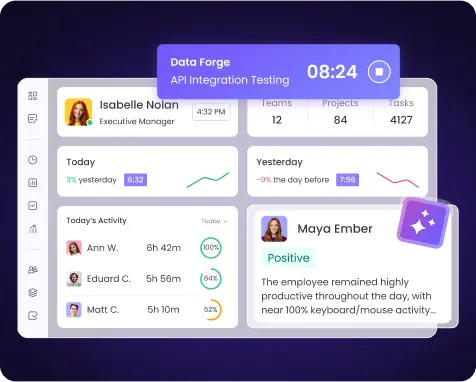
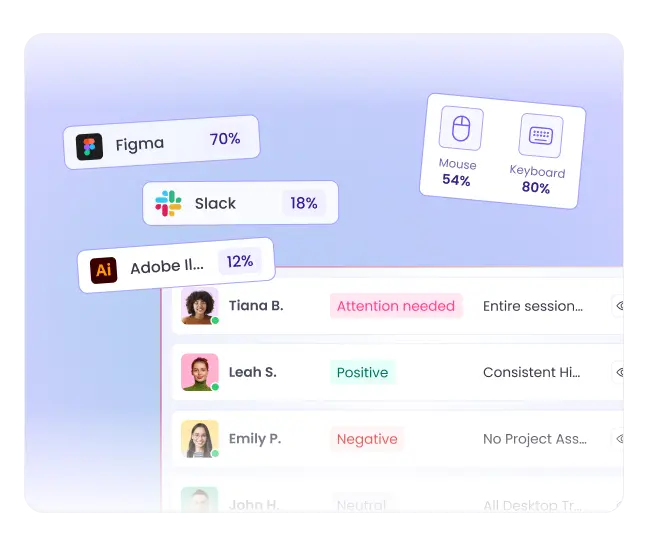
Track Everything—from Time to Computer Activity
Employee computer monitoring software that tracks everything.
Smart monitoring with AI
Mouse and keyboard activity
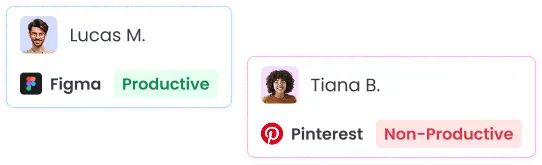
App & website usage
Screenshots
Employee daily activity
Easy Installation with MDM
Deploy WebWork across your entire organization in minutes using Mobile Device Management systems (MDM). Our computer monitoring software integrates seamlessly with major MDM platforms, enabling bulk installation, remote configuration, and automatic updates. Choose between visible or silent tracking modes during deployment, all managed from a single administrative dashboard without disrupting employee workflows.
More About MDM InstallationCompany-Owned Device Monitoring
WebWork gives you full visibility into how your company devices are being used during work hours, helping you protect your equipment and boost team productivity. Depending on your company requirements, use either silent tracking for discreet monitoring or the visible tracker for transparency.
Silent Monitoring for Uninterrupted Tracking
Use silent computer monitoring on company devices to monitor productivity without disrupting employee workflow or causing self-consciousness. This invisible tracking option runs in the background, capturing essential metrics like app usage, active time, and productivity patterns while remaining completely undetectable.
Explore Silent TrackerSupported Deployment Methods:
Microsoft Intune / Endpoint Manager (Windows & macOS)
Active Directory Group Policy (GPO) (Windows)
Microsoft SCCM (Windows)
Jamf, Kandji, or other MDM tools (macOS)
Linux shell scripts, Ansible, or remote tools like Puppet/Chef
Custom deployment scripts and provisioning tools
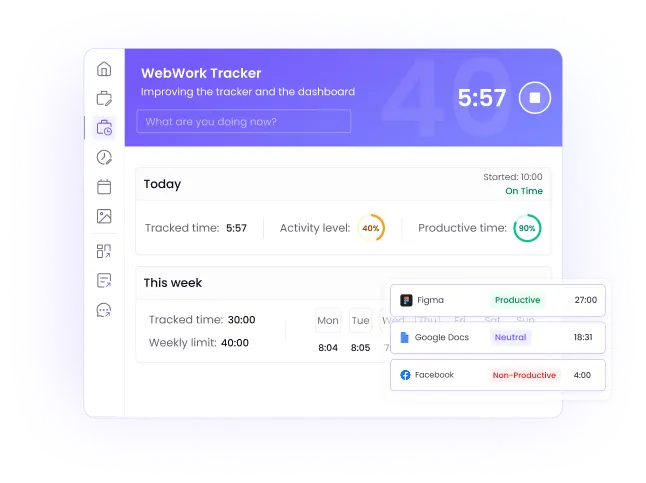
Visible Desktop Tracker for Transparency
If you value transparency and want your employees to see and control the time tracker, use the visible mode. Employees will be able to see the Desktop App, start and stop the timer on their own, take pauses, monitor their own productivity and activity levels, and more.
Explore Desktop TrackerPrivacy-First Employee Monitoring That Builds Trust
WebWork safeguards your data with enterprise-grade security, including SSL/TLS encryption for all transmissions, Cloudflare protection against cyber threats, and secure AWS and Contabo cloud storage. We conduct regular security audits and penetration testing while implementing strict access controls and role-based permissions. With GDPR, CCPA, and HIPAA compliance, customizable privacy settings, screenshot blurring options, and transparent monitoring policies, WebWork proves that effective employee monitoring can coexist with robust privacy protection.
More About Security
What WebWork's Computer Monitoring Software Tracks
Monitor computer usage and get detailed workplace analytics to help you understand team productivity patterns and optimize performance.
Employee Activity Tracking
Track engagement levels through mouse clicks, scrolls, and keystrokes to measure active versus idle time throughout the workday.
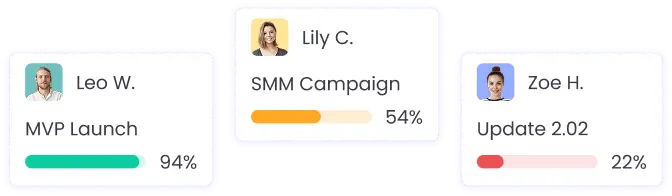
App & Web Usage
Monitor which applications and websites your team uses during work hours to understand time allocation and identify productivity blockers.
Screenshots (optional)
Capture visual snapshots of employee screens at customizable intervals to verify work progress and maintain accountability. With blur options for sensitive information and employee deletion rights, screenshots provide visual confirmation of work.

Attendance Monitoring
Automatically track when employees start and end their workday, including breaks and overtime, eliminating manual timesheets.

Employee Timesheets
Generate accurate digital employee timesheets automatically. No manual input is required — all tracked hours, breaks, and overtime are compiled into detailed reports ready for approval or payroll.
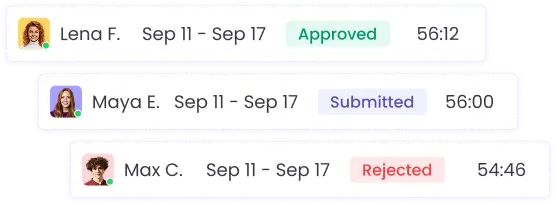
Employee Clock In
Enable teams to easily clock in and out from their devices. All clock-in data syncs with attendance and timesheets to provide a single source of truth for employee work hours.

Employee Computer Monitoring Software for Every Industry
Remote Teams
Maintain visibility across distributed workforces
Hybrid Workplaces
Unified monitoring for office and home workers
BPO/Call Centers
Ensure adherence to schedules and KPIs
Software Development
Track billable hours and project progress
Accountants & CPA Firms
Maintain compliance and security standards
Healthcare
HIPAA-compliant monitoring solutions
Monitor More Efficiently with AI That Takes Action on Its Own
Let intelligent automation handle the routine monitoring tasks while you focus on strategic decisions that move your business forward.
Smart Performance Analysis
Automated Event Alerts
Burnout Risk Detection
Autonomous Task Creation
Periodic Performance Reviews
Natural Language Queries
Explore WebWork AI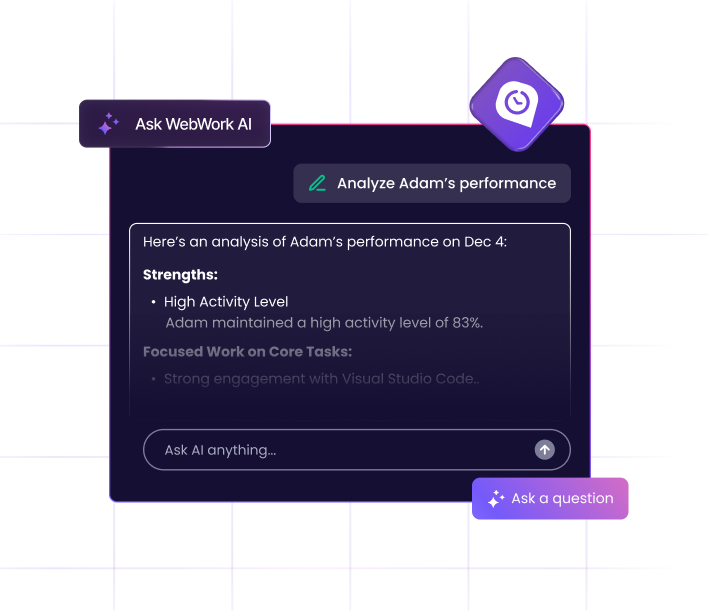

Available on All Platforms
Our employee computer monitoring software is available on Windows, Mac, and Linux. Install the tracker directly or use MDM for bulk deployment across your entire organization—no matter what devices your team uses.
Desktop
Mobile
Web
Extension







FAQ
Yes, employee computer monitoring software is legal in most countries when used on company-owned devices or with employee consent on personal devices.
As with any employee monitoring software, employers must comply with local laws, inform employees about monitoring practices, and respect privacy regulations like GDPR in Europe or state-specific laws in the US.
It depends on your chosen deployment mode. In visible mode, employees see a desktop widget showing tracking status, time worked, and can access their own data.
In silent mode, the software runs invisibly in the background without any notifications or icons. Both modes are available through standard installation or MDM deployment.
WebWork tracks activity with 99% accuracy by detecting mouse movements, clicks, scrolls, and keyboard activity every second.
The software distinguishes between active work and idle time, but never records actual keystrokes or passwords—only activity levels to measure engagement.
WebWork continues tracking all activity locally when offline, storing data securely on the device. Once internet connection is restored,
the software automatically syncs all tracked information to your dashboard, ensuring no productivity data is ever lost.
Yes, WebWork can track all applications and websites used during designated work hours, but you can customize
which apps and websites are considered productive and non-productive. Employees can also use break time features to pause tracking for personal activities during the workday.
Tracked time data is automatically turned into detailed reports and insights. Managers can:
- Automatically generate timesheets for each employee or project
- Run payroll by turning approved hours into salary or invoice data
- Automate payments through integrations with PayPal, Stripe, Payoneer, Deel, and other platforms
- Set up recurring payments for hourly, weekly, or monthly work
- Use productivity insights to optimize schedules, workloads, and budgets
- Generate productivity reports by employee, project, or team
- Identify bottlenecks and reallocate resources
- Use analytics to improve scheduling, workload balance, and overall efficiency
Tracking employee computer activity means recording how work devices are used during work hours: when the employee is active, which apps and websites are open, and how long each task takes. WebWork does this with a desktop app for Windows, macOS, and Linux that records activity levels from mouse and keyboard use, app and website usage, idle time, and optional screenshots. The data is grouped into reports by employee, project, and day, and you decide which apps and websites count as productive or non-productive.
Monitoring employees computer activity means reviewing the tracked data over time to spot patterns rather than checking on people minute by minute. In WebWork, the desktop tracker collects activity levels, app and website usage, and optional screenshots, and Real-Time Monitoring shows who is working right now and on what. Productivity and activity reports then show trends by employee, team, and project, so managers act on patterns instead of single moments.