

At the beginning, a startup can easily get by with a few free tools: a free messaging app for communication, a shared cloud folder for files, and a calendar for meetings and deadlines. These would be enough for a team of three.
Then comes the moment that so many startup founders face: the business grows, and time tracking software for startups becomes more relevant.
More work comes in, and the team grows from three to five to 15. Founders who once knew exactly what everyone was working on now have to ask for updates to stay on top of things. They’re handing over more and more of the work to the team, with correspondingly less visibility into what’s actually going on.

As headcount rises, coordination becomes harder to manage manually.
Without a clear view of who is doing what, manual processes become harder to manage. Founders and team leads struggle to track who owns each task and how long it takes. They end up digging through updates buried in chats and constantly following up with each team member on a deliverable’s progress.
The free startup stack that has kept costs so low has suddenly become… costly.
Still, any upgrade has to make financial sense. More business doesn’t necessarily mean a bigger budget, especially when you’re also seeing increases in headcount and other operating costs. For a business still working toward profitability, it’s hard to justify spending a lot on software.
So how can a startup manage a growing team more efficiently without spending a small fortune on software?

The useful question is where work hours actually go.
Time tracking software for startups: your new friend
The answer isn’t more tools, but fewer tools that do more.
One place to start is time-tracking software. It may not be the first thing founders think of when they’re looking to streamline operations, but its role in running a business has changed massively.
For a long time, time tracking meant one thing: a record of hours. Who clocked in, who clocked out, and what to pay them.
But for a startup juggling several clients, the question isn’t just how many hours the team worked. It’s where those hours went. How long did each project take? Is one client taking up more of the team’s week than they’re paying for?
For a closer look at why this matters, read why successful startups don’t ignore time tracking.

Time-tracking data can show which projects absorb the most work.
Today’s time trackers can do a lot of the work for you. Depending on the software and settings, they can record the hours as work happens, tie them to projects and tasks, and deliver reports on a schedule.
Some also use AI to analyze the data. More advanced agentic AI features go further with automation, performing admin tasks such as creating project assignments, scheduling reports, and alerting on projects that are going over time or budget once the appropriate automations are set up.
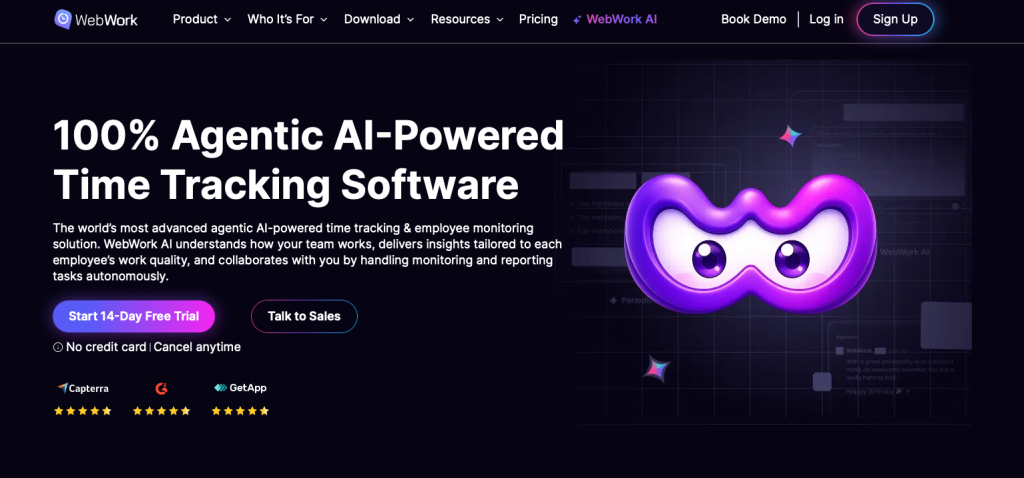
With WebWork, time tracking, reporting, and automation sit in one workflow.
For a founder, that means that day-to-day checking and reporting no longer have to take up so much of your time.
Meet WebWork Time Tracker
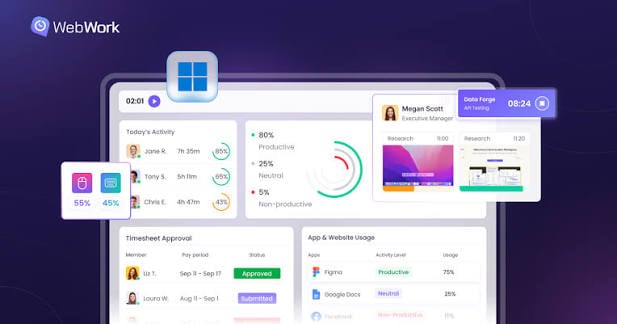
A single workspace brings time, tasks, and reporting together.
At WebWork Time Tracker, we’ve built our platform around this model. We bring time tracking, task management, reporting, and billing into one workspace.
To get started, create a workspace, invite your team, and set up one project. Choose between automatic tracking, timers, or manual entries, then review the first week’s hours before expanding your setup.

Accurate time records take the guesswork out of timesheets.
It starts with the hours. When an employee begins work, they open our tracker on a desktop, mobile, or web app. Instead of reconstructing their workday from memory at the end of the week, they can record their hours as they work.
How much of that process is automated depends on the company. Our desktop tracker can record hours automatically in the background, while employees can also start and stop timers themselves. Our computer monitoring features can also track app and website usage, activity levels, and optional screenshots, depending on the company’s settings.
For teams that prefer manual time reporting, we let employees enter their own hours, with permissions and approval requirements set by the company. Where needed, employees can also track time against specific projects and tasks.
On our Plus and Premium plans, the desktop tracker can also record hours without an internet connection, syncing the data once the employee is back online.
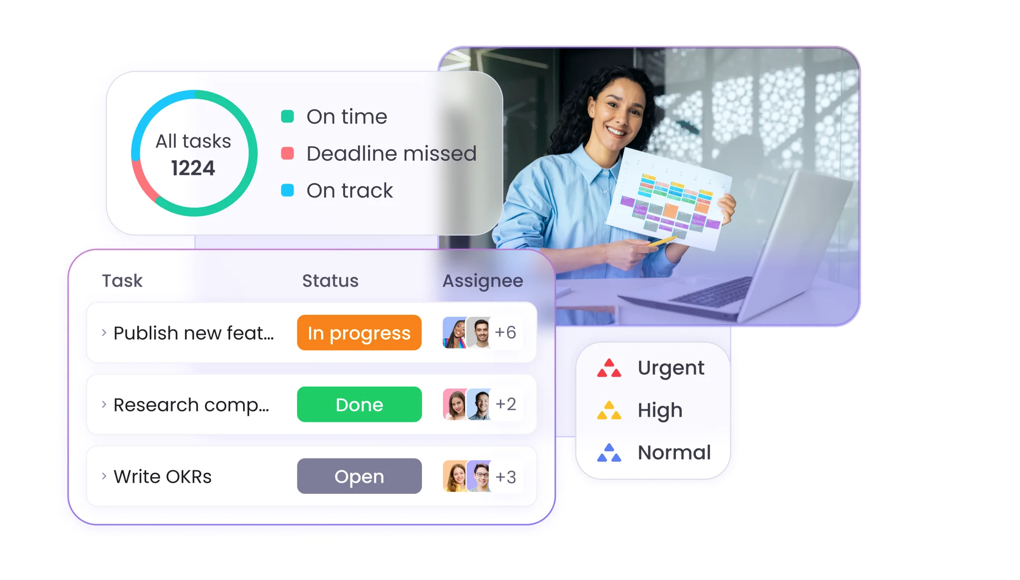
Task boards show deadlines, priorities, and who owns each task.
We automatically produce timesheets from the tracked hours. Our tracker can also record breaks, overtime, and idle time (depending on the company’s settings).
For founders, that means less time spent collecting timesheets and piecing together entries from memory. All hours are in one place and ready to review when the pay period closes.
Those hours are embedded in the work itself. Our task management system lets teams organize work on lists or Kanban boards, with the ability to set deadlines, priorities, subtasks, and attachments.
As time is tracked against each task, founders can see not just what’s moving forward but how much effort it takes. Over time, that data can show you which types of work take a long time and which projects may need more people.
Teams already using Asana, Jira, ClickUp, or Trello can connect those tools to our platform without switching to anything else. We allow one active integration at a time on Pro, and unlimited integrations on Plus and Premium.
If you’d like to see how this works with your own projects, try our 14-day free trial.
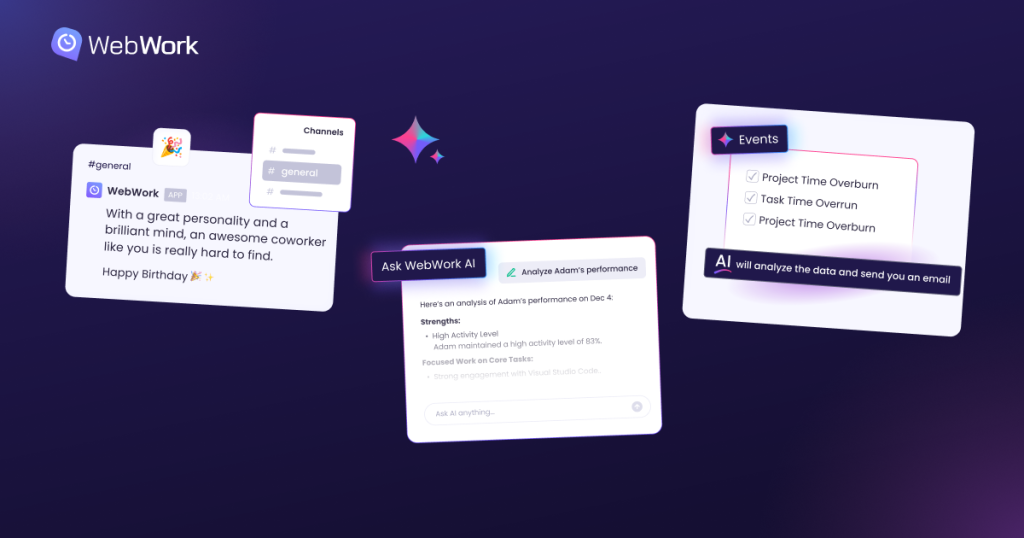
AI-supported reports and alerts can flag project delays earlier.
The founder gets the updates. Our reports cover tracked hours, attendance, billable time, and project activity (presented in charts or exportable for analysis). WebWork sends regular email summaries, while Plus and Premium users can schedule more customized reports.
On top of that, our AI assistant can answer questions about employee activity, summarize reports, and create tasks. We can also send alerts on project time or budget overruns through configured AI automations, depending on workspace settings and available AI credits.
AI assistants can help with routine project administration, but only if they can access the information they need. Our Model Context Protocol (MCP) server lets compatible tools such as ChatGPT and Claude access workspace data and perform authorized actions. MCP is the open standard behind that connection.
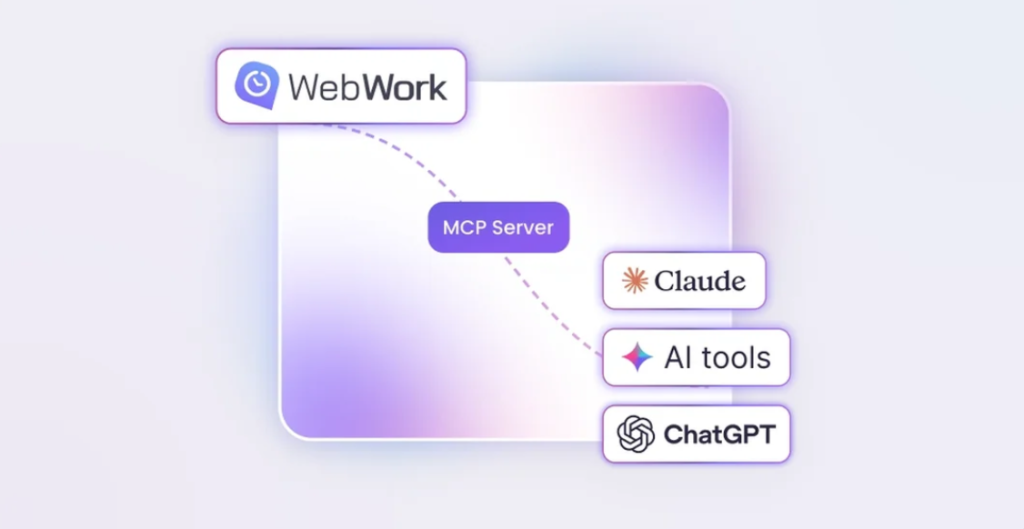
Authorized AI assistants can access WebWork through its MCP server.
With the right permissions, a founder could ask an assistant to pull a project report, assign a task, start a timer, or approve a timesheet—all through a written instruction rather than opening our dashboard.
The point is to eliminate time spent searching for information so the founder can spend it deciding what to do.
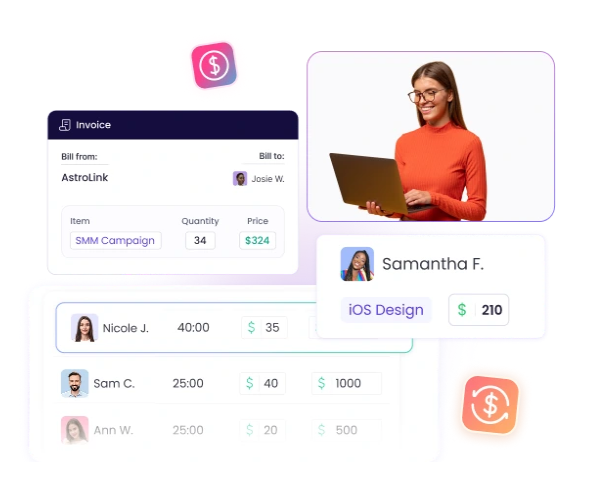
Billable time records provide a basis for client invoices.
Finally, the hours become revenue. Our billable-hours tracking enables businesses to generate client invoices from recorded project time.
On Plus and Premium, our payroll features take approved hours and your configured rates to calculate employee pay, and you can make payments via supported services. Project budgeting and project expense tracking let you compare what a project actually costs with what you planned.
That matters because getting more clients doesn’t necessarily mean making more money. Founders also need to know what it costs to serve each client.
Time tracking software for startups: affordability and pricing
We offer different subscription plans depending on the features a business needs:
- Pro — $3.99 per user per month (billed annually) or $4.99 per month. Unlimited projects and tasks, automated time tracking, timesheets, reporting, task management, and invoicing.
- Plus — $6.39 per user per month (billed annually) or $7.99 per month. All the Pro features plus payroll, project budgeting, expense tracking, advanced reporting, and unlimited integrations.
- Premium — $7.19 per user per month (billed annually) or $8.99 per month. Everything in Plus, plus white labeling, single sign-on, AI-powered work-time categorization, and device compliance monitoring.

Compare software costs with the hours spent on administration.
We also offer optional add-ons for businesses that need certain capabilities without moving up a tier.
At the annual Pro rate, it’s about $40 a month for a 10-person team (around $479 a year). We also offer a 14-day free trial, so you can try the platform before committing.
The right plan is the one that meets the business’s actual needs. A small team may not need all the features on day one, whereas an agency working with several clients may find that one subscription can replace several separate tools.
Keeping your startup stack lean
There’s nothing wrong with getting the most out of free software, especially when every dollar counts.
But keeping costs low shouldn’t mean running an ever more complicated operation.

A lean tool stack should make team coordination easier as startups grow.
At some point, founders will have to ask whether the time they’ve spent managing free tools is worth more than the subscription fees they’ve been avoiding.
That’s where an investment in a more capable platform, like ours, can pay off. It’s not about spending more on software as the business grows. It’s about spending less time on the operational issues that come with growth.
After all, your startup stack should keep up with your growth, not make growth harder to manage.
If you’re ready to find out whether our platform fits your team, start our 14-day free trial.