


Look, I get it. If you’re a small team, it makes sense to start with the free plan from Clockify or the basic version of Toggl. Time tracking software is something you can afford to do without, right?
But then something happens. Your company has 5 to 15 people. Projects multiply. Clients begin to demand a breakdown. And eventually, that free software that was performing well just six months ago no longer meets your needs.
And in case this is what is happening to you at this moment, then you are in good company. Most growing businesses hit this wall at some point. The real challenge is knowing when it’s time to upgrade from a free time tracker and when you’re just having a bad week.
A Conversation about Free (It is not really free).
Free software is good initially. Nobody’s arguing that. But here is what no one will tell you: free has a cost tag. It’s just hidden.
That price? Your time. Your team’s sanity. The time your project manager spends struggling with CSV exports as opposed to, I guess, managing projects. The number of billable hours that slip through the cracks because your reporting system is held together by duct tape and wishful thinking.
But when is free no longer worth the price?
Signs It’s Time to Upgrade from a Free Time Tracker
1. Reporting Takes Forever (And You Dread It).
Here’s a simple question: how long does it take you to prepare a client report?
When the solution consists of downloading spreadsheets, copying and pasting in and out of tabs, and adding up hours manually, since the free plan will not do it, then yes. That’s a problem.
I have been talking to business owners who spend half a day on Fridays alone making time reports. That’s not free. That is costly as hell when you think of the cost of such hours.
You may want to upgrade to tools that offer features such as auto-reporting and real-time dashboard updates when you have reached the limits of free tools for tracking time spent. Extra points if the tool can automatically generate invoices, as many people simply do not have time to do this manually.
2. You Have No Idea. What people are actually doing.
Sure, your staff records their time. Great. But do you know what they are working on? Like, actually working on it?
Free plans typically come with the bare minimum start and stop times, and may even include a hidden task name for the lucky ones. However, when you have to deal with 10 or more people in various projects, you require more than that.
Who are the members of the team who are drowning? What projects are incurring increased budget expenses beyond turnover? What is the bottleneck that is holding everything back? Free tools won’t tell you.
Enhanced team time tracking has activity tracking, screenshots (not obtrusive, but not creepy), and productivity data. You care about outcomes, not just timesheets.
3. Projects Continue to Exceed Budget (Surprise)
You allocate a budget of 40 hours for a project, which seems reasonable. However, two weeks later, you discover that 60 hours have already been spent, and the client is questioning the unexpectedly high invoice. Relying on free tools often means you discover budget overruns too late, like checking your bank account after a shopping spree. This approach is not effective. The right team time tracking software will provide timely alerts.
You apply a budget of 40 hours to a project. Seems reasonable. Then, in two weeks, you have completed 60 hours, and the client has questions about why his invoice is so big.
Using free tools, you tend to discover too late that the budget will be overrun. It is similar to checking your bank account after a shopping spree. Not helpful.
The right software warns you before you hit the budget limit. Others will even make predictions on the basis of the present rate of overruns. That distinction is what separates a simple “oops” from taking proactive steps to adjust your course now.
4. Client Billing: A Complete Disaster.
You’ve got billable hours, non-billable hours, different rates for different people, and somehow you’re supposed to turn all that into a clean invoice.
5. And you’re doing it manually?
And this is where many of them understand that they need a Clockify alternative in which billing is correctly managed. Not as an added-on functionality, but as an element of the system.
Find in-built invoicing, per-person billing rates, per-project billing rates, and exports that are compatible with whatever accounting package you are using. Your accountant will have you to thank.
Managing Your Team Has Gotten Complicated
When it was just you and three other people, simple worked. Now you’ve got 15 people, some remote, some in-office, different roles, different permissions, different schedules.
Free plans usually cap your user count or lock team management features behind paid tiers. You need shift scheduling, attendance tracking, workload balancing, and role-based permissions.
Basically, you need software that grows with you instead of forcing you into workarounds.
What Actually Matters in Team Time Tracking
If you’re looking at options beyond your current free plan, here’s what matters for actual team time tracking (not just solo freelancer stuff):
You want productivity monitoring that shows you what’s happening without being invasive. Project management features like budgets and milestones. Team tools for collaboration and communication. Billing that doesn’t make you want to cry. Analytics that tell you something useful. And pricing that doesn’t double every time you add three people.
Most importantly? It should all work together. One platform. Not five tools duct-taped together.
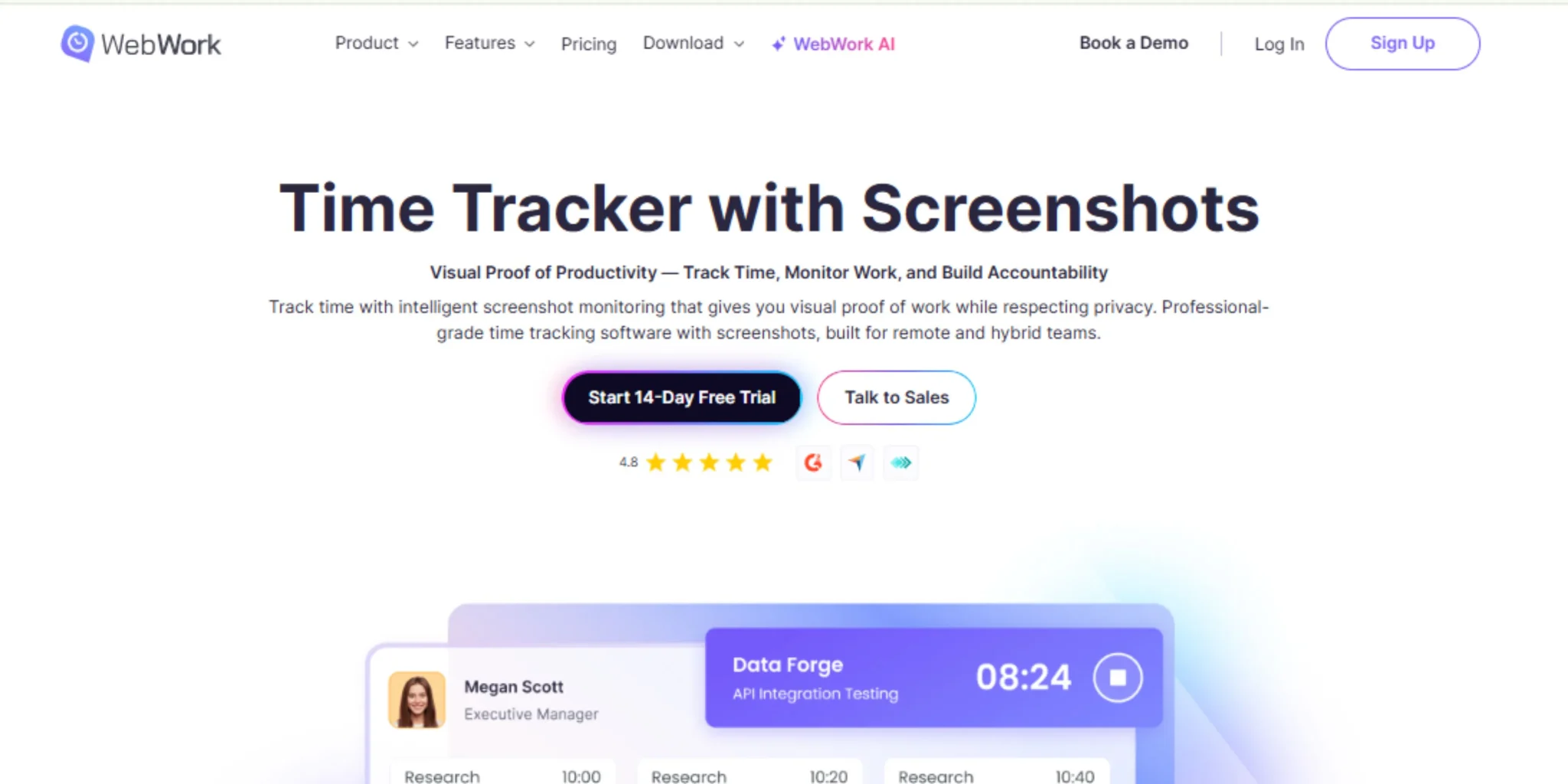
Why WebWork Makes Sense for Teams on a Budget
Real talk: you know you need to upgrade, but you’re not exactly rolling in cash. The big-name tools want $20-30 per user per month, which adds up fast when you’re running a 15-person team.
That’s basically where WebWork fits. It’s for teams that need serious features but don’t have enterprise budgets.
Here’s How the Pricing Actually Works
Most free plans give you:
- Basic time tracking
- Limited reports
- No real productivity insights
- Bare-bones project management
- User caps or feature locks
WebWork gives you:
- Affordable pricing that doesn’t punish you for growing
- Everything included (monitoring, projects, invoicing, collaboration)
- No surprise charges
- Clear upgrade path
While Clockify charges per feature and Toggl’s costs balloon with team size, WebWork keeps it straightforward. You know what you’re paying, and it actually makes sense for a growing business.
What You’re Actually Getting
Real-time insights into what apps and sites your team uses (with activity levels and optional screenshots if you need them). Track project profitability to determine which clients are worth keeping. Invoice time tracking that turns tracked time into bills in literally seconds. Workload management so nobody burns out. Attendance and schedule management all in one place. Reports that actually answer your questions instead of creating new ones.

Making the Switch Without Breaking Everything
The idea of switching time tracking software can be terrifying, but it does not necessarily turn out to be a calamity. Here is how you can do it without having your team revolt:
Start with one team as a test. Import your current data (WebWork and most of its alternatives can import data into Clockify and other services). Implement features one by one rather than bombarding people with them at the same time. In fact, clarify the reason why you are changing and what it will bring to them (easy invoicing, project visibility, whatever will suit). Then keep a check as to whether it is helping.
Conclusion
On the one hand, free tools are all that is needed to start. However, they are called free. They’re just not built for teams juggling multiple clients and real deadlines. If you’re wondering whether it’s time to upgrade from a free time tracker, the answer usually comes down to lost hours, missed budgets, and messy billing.
It is not really about whether to upgrade your free time tracker or not. It is more of: how much is it costing you to remain on the free plan?
When you are wasting hours a week doing manual work, you have missed your opportunity to meet your budget until it is too late, and you are holding your billing process together with your hope and your spreadsheet; you are not saving money. You’re bleeding it.
In this position, WebWork is created to support teams. Time tracking of teams is necessary, but you cannot afford to spend a fortune on it. Fair enough.
So what’s the real difference between basic time tracking and actually managing productivity? It’s bigger than you think.









